How to set up your discount
Setting up your discount takes only a few moments - just ask your employer for their Fidelity ‘employer code’, and then follow these simple steps.
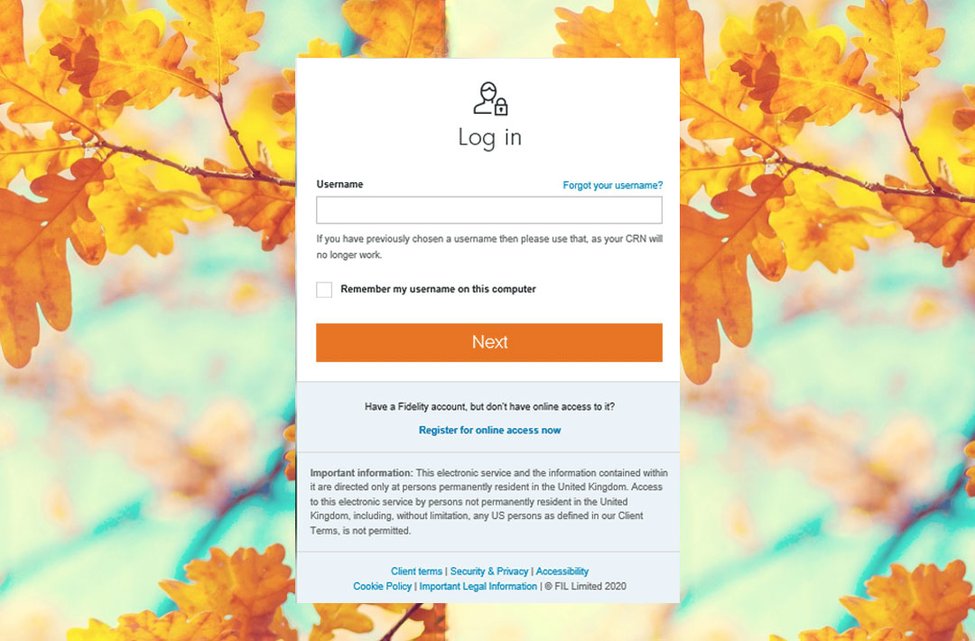
1 Log in
Once you have your employer code, log in with your username and password
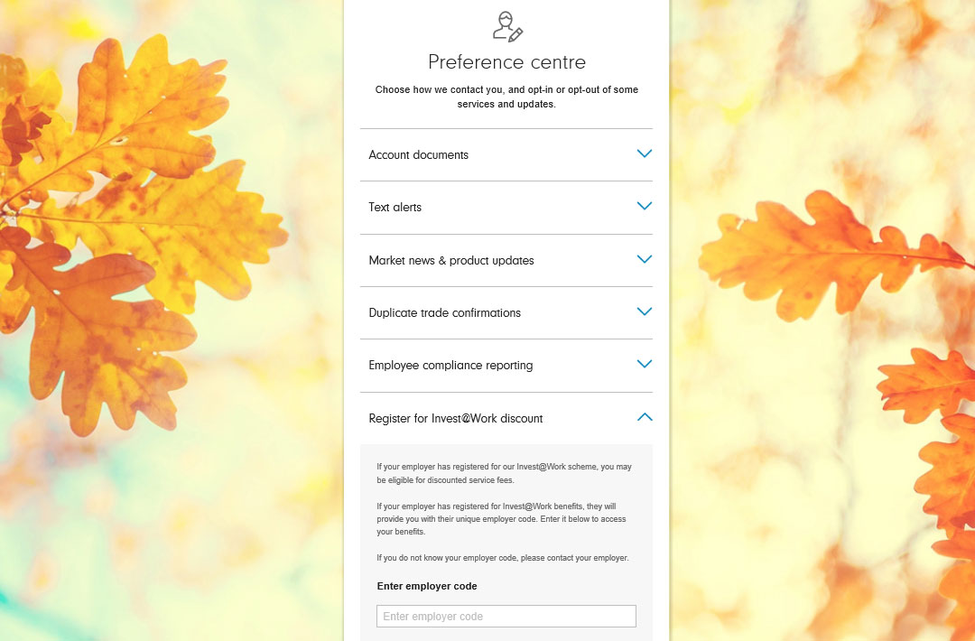
2 Open your preference centre and find the discount section
It takes just three clicks:
- Click on 'Profile' in the main menu
- Click on 'Preference centre'
- Select 'Register for Invest@Work discount'
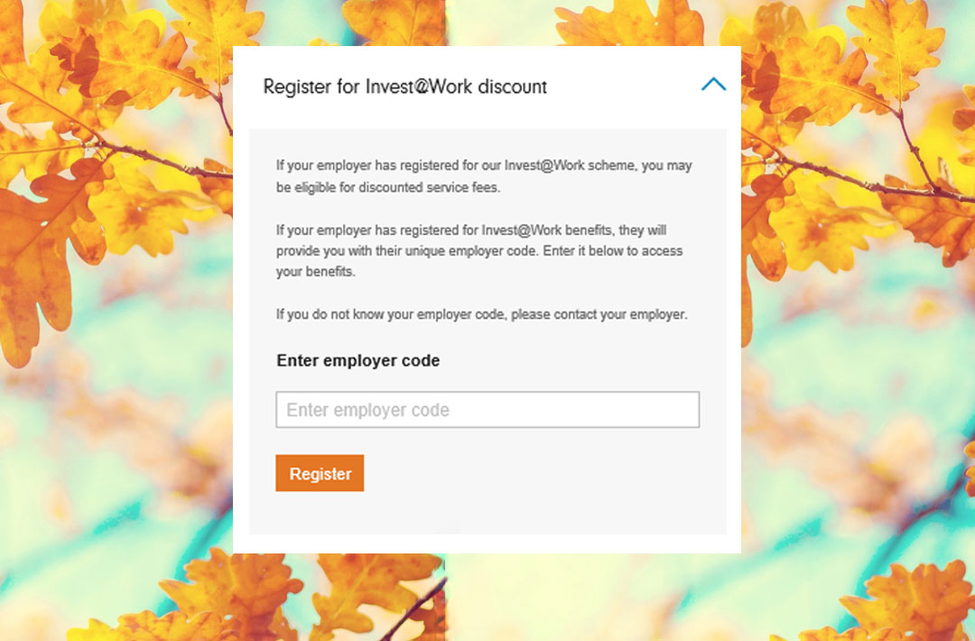
3 Enter your employer code
- Make sure you’ve got your Fidelity employer code (this will be four letters followed by 01, e.g. ABCD01)
- Enter it in the box and click 'Register'
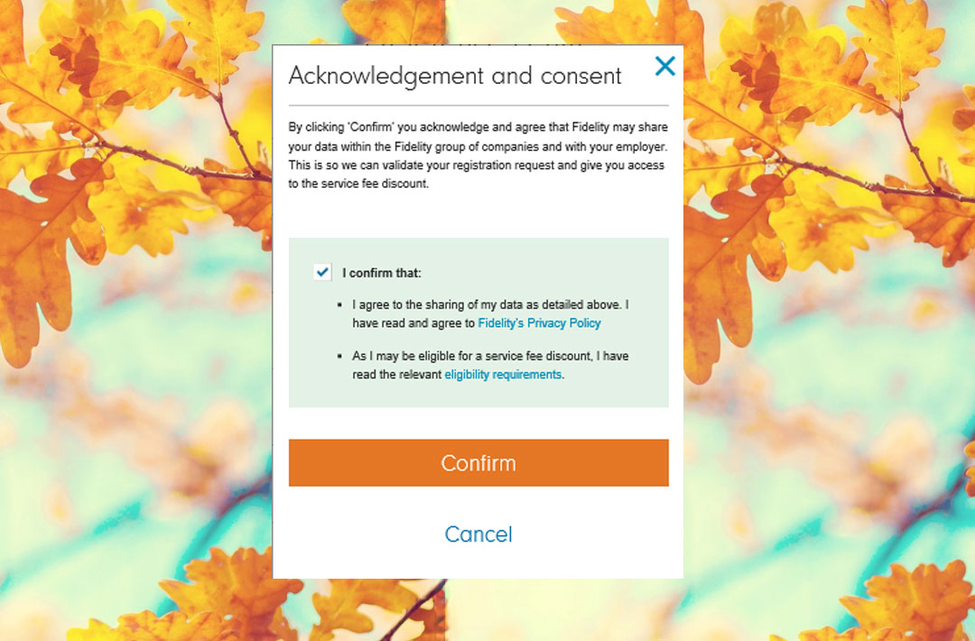
4 Read the terms and confirm that you agree with them
Read the information provided and if you consent, click ‘Confirm’. That's it, you’re done! Your discount has been set up.